REDACT SHOT — PRIVATE BY DESIGN
The art of
leaving out.
Keep the meaning.
Leave the private things private.
Discover Redact ShotFOR macOS & iPhone
FREE · ON-DEVICE
FREE · ON-DEVICE
 Redact Shotスミ消し
Keep the meaning.
Leave the private things private.
01 — LESS REVEALED
Emails, names, tokens, numbers. Your screenshots carry more than the story you want to tell. Redact Shot is an app for Mac and iPhone that hides the parts that should stay private.
02 — A SMALL GESTURE
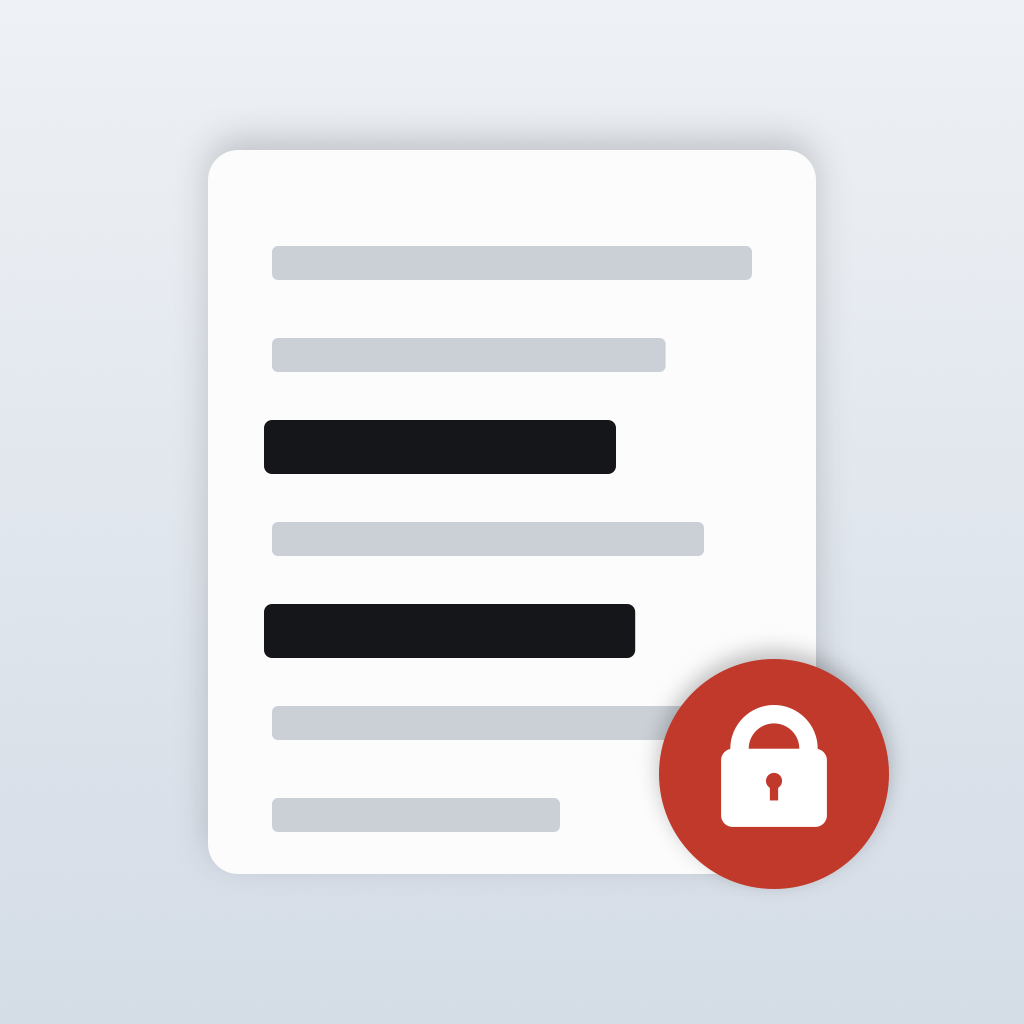
Select what to hide, then save. A mask covers the private details while the rest of your message stays clear.
A fictional document for illustration.
Black box replaces the covered pixels in the exported image. Share the flattened result, keep your original separate, and check for anything you missed.
Email and reference are redacted.
An illustrative web demo. Edit your own images in the Mac or iPhone app.
Image processing stays on your device. No account or image upload. No network entitlement in the Mac app itself, and the iPhone app makes no network connections of its own.
Rectangle, ellipse, or freehand. Choose black box, pixelate, or blur. Use black box for sensitive information.
Drop in an image or paste from the clipboard. Save as PNG, JPEG, HEIC, or TIFF, or copy the result straight into your next conversation.
PDF — v1.4
Choose or drop a PDF file, then move between pages and place masks. Save creates a new PDF with every page as an image. Everything visible on the page, including annotations and filled-in form fields, stays in the image, so mask anything you want hidden. Text can no longer be searched or selected, and the original text data, annotation and form data, bookmarks, attachments, and metadata are not carried over.
How to use PDFsTOUCH — v1.4
From v1.4, Redact Shot also runs on iPhone with iOS 17 or later. Bring in an image or PDF file from Photos or Files, place masks with your finger, then share, save to Files, save to Photos, or copy. Images and PDFs are processed on your iPhone and are not sent anywhere by the app.
A PDF can be shared or saved to Files. Copy and Save to Photos are for images only.
How to use it on iPhoneTHE FIELD GUIDE
From your first image to the finished export. The guide also covers candidate search, shortcuts, PDFs, and using the app on iPhone.
YOURS TO USE
Free to use, with every editing feature. No ads and no sign-up.
Optional in-app tips support continued development. They do not unlock features: everyone gets the same app. Apple processes the purchase.
Tips support an individual developer, not a donation to a third party.
Redact Shotスミ消し伝えたいことは、そのままに。見せたくないことは、ひと塗りで。
01 — LESS REVEALED
メールアドレス、氏名、トークン、金額。共有する画面には、伝える必要のない情報も写っています。スミ消しは、その部分だけを隠すMacとiPhoneのアプリです。
02 — A SMALL GESTURE
隠したい場所を囲んで、保存。伝えたい内容は残したまま、必要な部分にだけマスクをかけます。
説明用の架空の文書です。
黒塗りは、書き出した画像の対象ピクセルを置き換えます。共有するのはマスクを焼き込んだ画像。元画像の管理と、隠し漏れの確認は忘れずに。
メールと参照番号を黒塗りしています。
Web上の説明用デモです。実際の画像編集はMacまたはiPhoneのアプリで行います。
画像の処理は端末内で完結。アカウントもアップロードも不要です。Mac版はアプリ自身にネットワーク権限なし。iPhone版もアプリ自身は外部と通信しません。
長方形・円・なぞりの3つの形。黒塗り・モザイク・ぼかしを使い分けられます。機密情報には黒塗りを。
画像をドロップするか、貼り付けて取り込み。PNG・JPEG・HEIC・TIFFで保存、またはコピーしてそのまま共有先へ。
PDF — v1.4
PDF ファイルを選ぶかドロップして開き、ページを送りながらマスクを置けます。保存すると全ページを画像にした新しい PDF になります。画面に見えている文字・注釈・フォームの記入値は、見えているとおり画像として残ります。隠したいものはマスクで伏せてください。文字の検索・選択はできなくなり、元の PDF の文字データ、注釈やフォームのデータ、しおり、添付ファイル、メタデータは持ち込みません。
PDF の使い方を読むTOUCH — v1.4
v1.4 から、iPhone(iOS 17 以降)でも使えます。写真やファイルから画像・PDF ファイルを取り込み、指でマスクを置いて、共有・ファイルに保存・写真に保存・コピーで書き出します。画像と PDF は iPhone の中で処理し、アプリから外部へ送信しません。
PDF は共有とファイルに保存で書き出せます。コピーと写真に保存は、画像のときだけ使えます。
iPhone の使い方を読むTHE FIELD GUIDE
取り込みから書き出しまで。候補検索やショートカット、PDF、iPhoneでの使い方も使い方ページで紹介しています。
アプリ内の任意のチップで開発を応援できます。機能の解除や追加はなく、誰でも同じアプリです。決済はAppleが処理します。
いずれも開発者個人への応援です。第三者への寄付ではありません。